








































































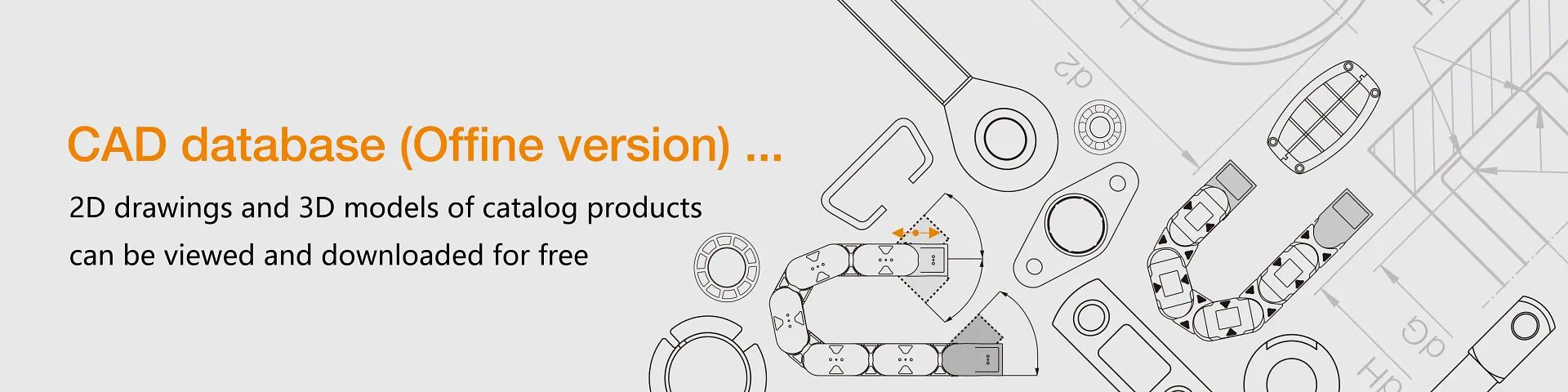
CAD Database (offline version)
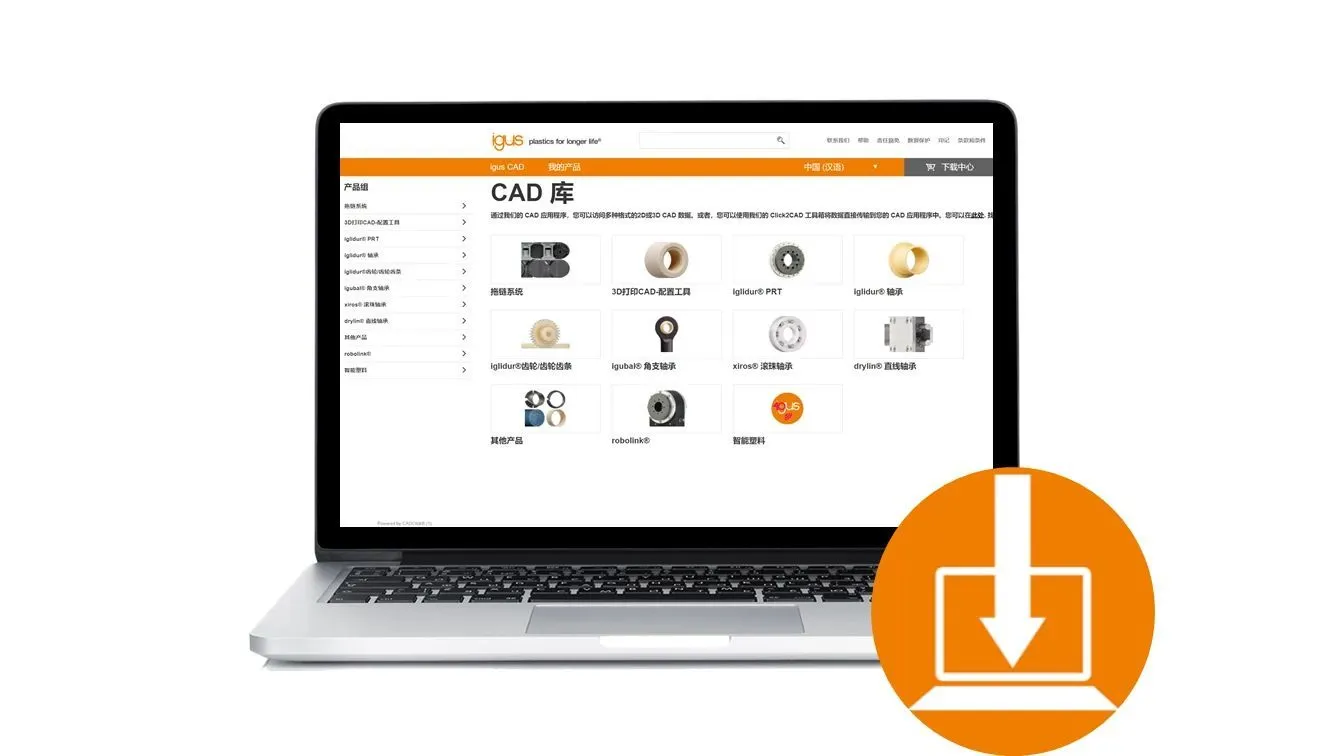
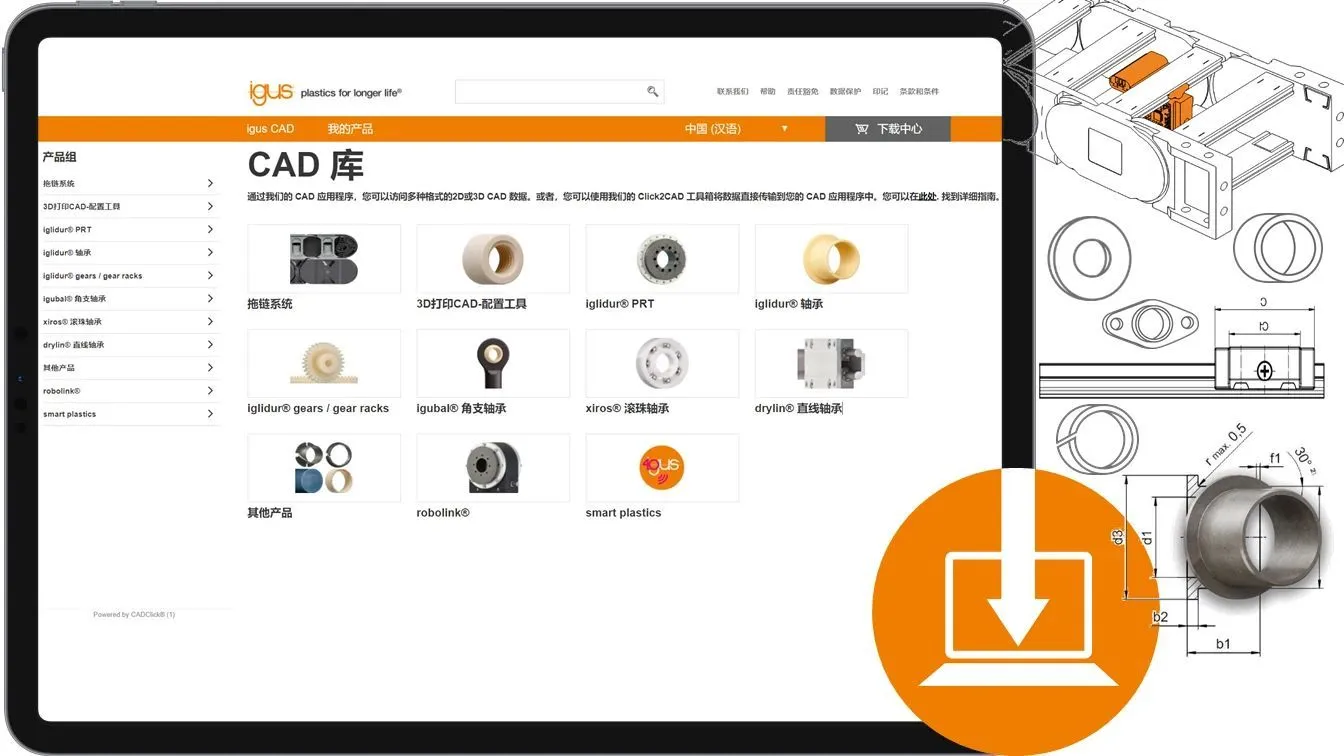
igus offline CAD database is online now.
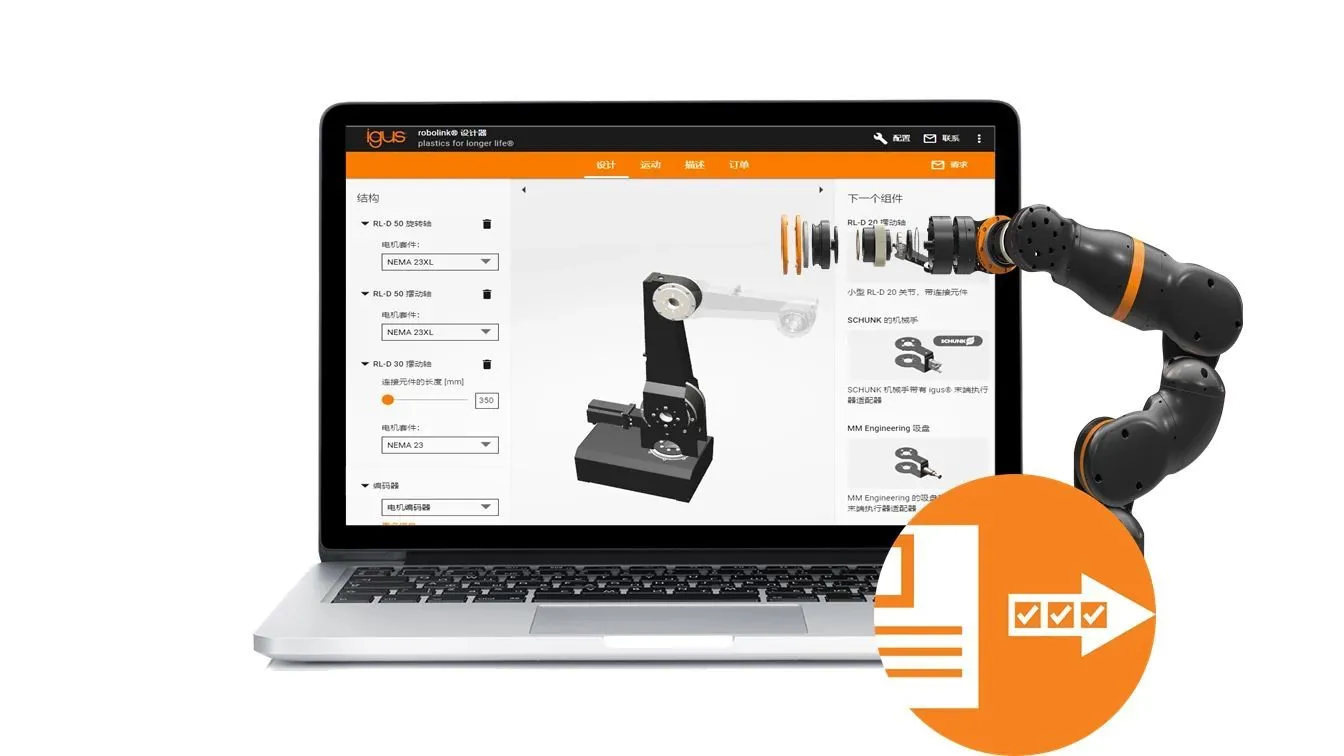
- igus® CAD is an easy-to-use CAD data solution which delivers you igus® products as anelectronic catalogue in various CAD formats to use in your own CAD program
- Please downloaded and uncompress the files before you use it.
- igus® CAD is support on Windows Vista/7/8.x/10 or above.

Introduction
igus®CAD is an easy-to-use CAD data solution which delivers you igus®products as an
electronic catalogue in various CAD formats to use in your own CAD program.OS Requirements
igus®CAD is supported on:
- Windows 10 - Windows 8.x - Windows 7 - Windows Vista- or above
Microsoft .NET Framework 4.5 is required but will be installed if not present on your system.
You need the free JAVA Runtime Environment (JRE) on your desktop computer for the 2D-,
3D-Viewer and the Direct-Insert Option (Click2CAD). Recommended version is: Java 7 Update 51 or newerYou can download JAVA here: http://www.java.com
Installation
a) Simply double-click "setup.exe", choose your desired setup language and follow the instructions.
About 1GB free disk space is required for the installation. b) If you had a previous version of igus®CAD installed, it is recommended that you uninstall this version over the Windows Control Panel -> 'Add/Remove Programs' first. c) If the application will not run please check whether the Microsoft .NET Framework 4.5 is installed on your system. You can download this framework here: https://www.microsoft.com/de-de/download/details.aspx?id=30653 d) If Korean fonts are not displayed correctly, please install the font 3rdParty\Code2000-rdLO.ttf.Warranty
Please read our warranty conditions in the setup procedure!
igus®CAD online
Please also visit our online solution at:
www.igus-cad.com
perhaps You are seeking for ...

Please contact me for any questions when you use it.

高德新 Emma Gao Project Promotion Specialist
Online Consultation
Scan the QR code to add Enterprise WeChat and start the conversation