Please input what you want to search
Home > Individual account binding to enterprise >

Individual account binding to enterprise

Process and Function Introduction

Method 1: Invite to join

1.1 Invited by igus

Not found
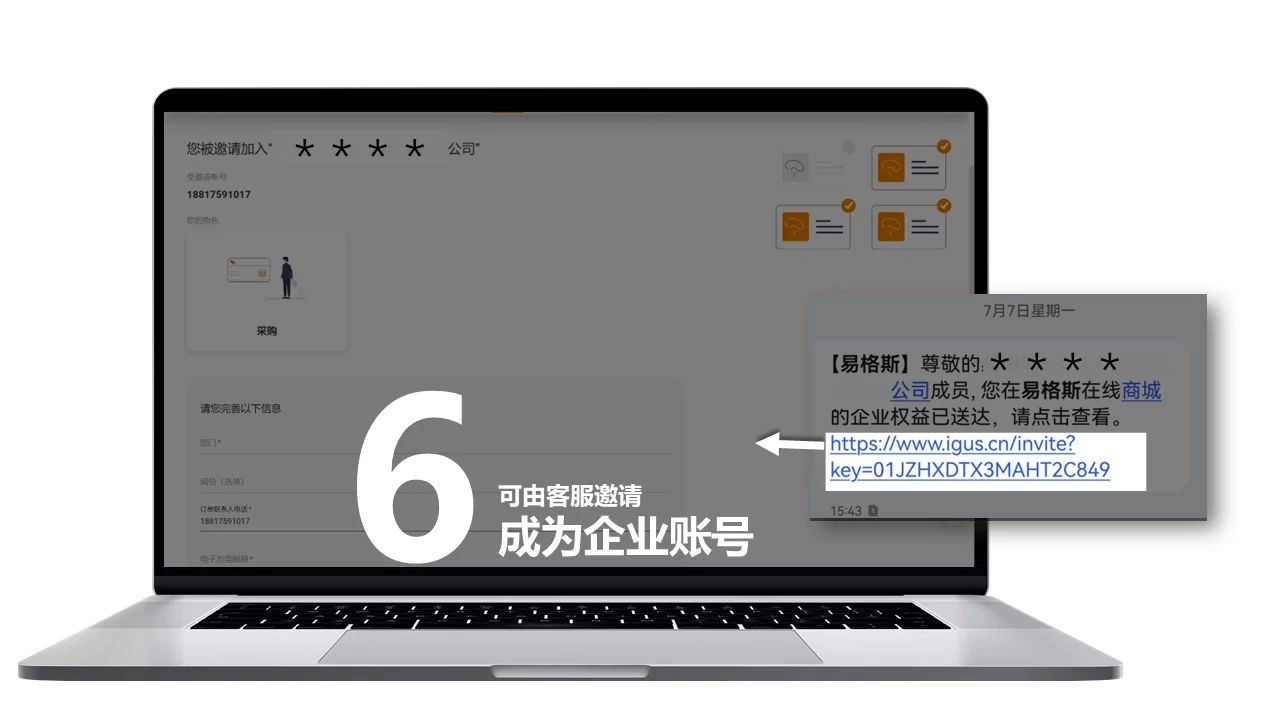
①You will receive an invitation email or text message from igus
Not found
② Click on the link to enter invited page, read the instructions and confirm
Not found
③Please register and login before operation
Not found
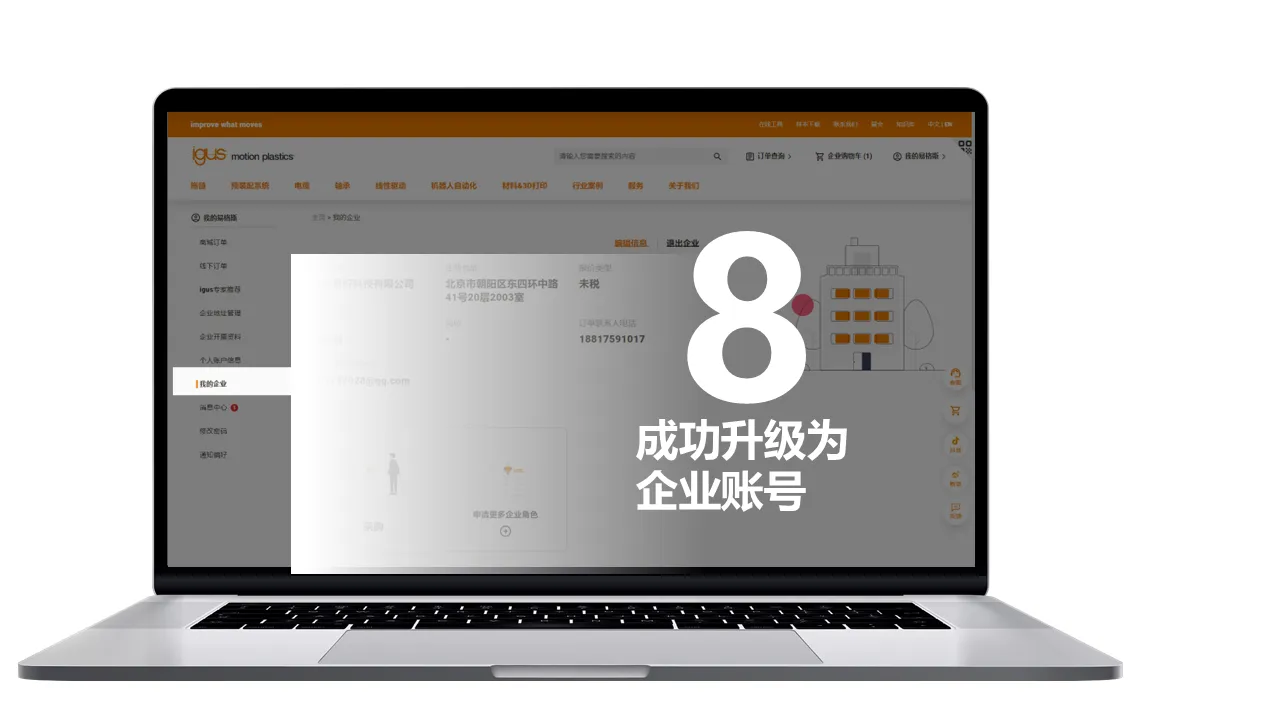
④ After joining the enterprise, display the enterprise information and role permissions

1.2 Invited by enterprise administrator

Not found
① By the button of Invite New Member and enter email address or mobile phone number to send an invitation
Not found
② The invitee receives the email or SMS, click the link to enter the invited page, read and confirm to join
Not found
③ Please keep the login account the same as the invited account
Not found
④ After joining the enterprise, display the enterprise information and role permissions

Method 2: Apply online to join

Not found
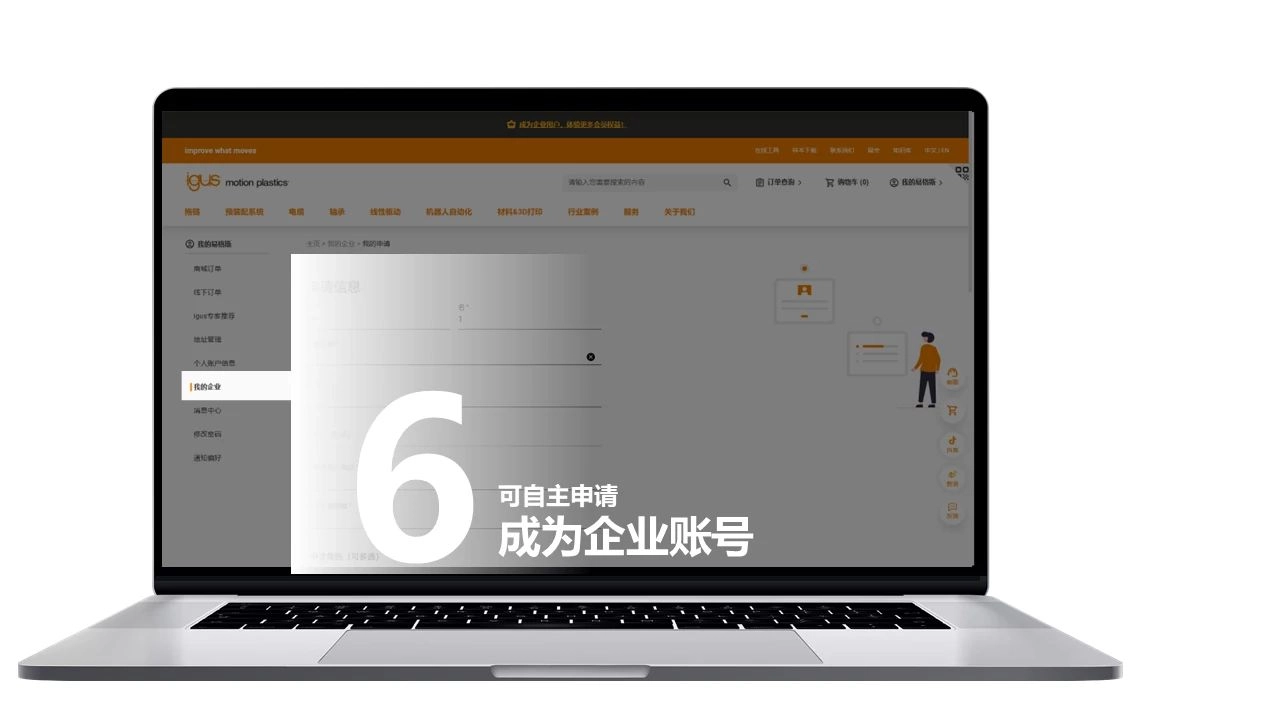
① After login, click on "My igus", enter "My enterprise", click on the bottom of the page "Go bind company"
Not found
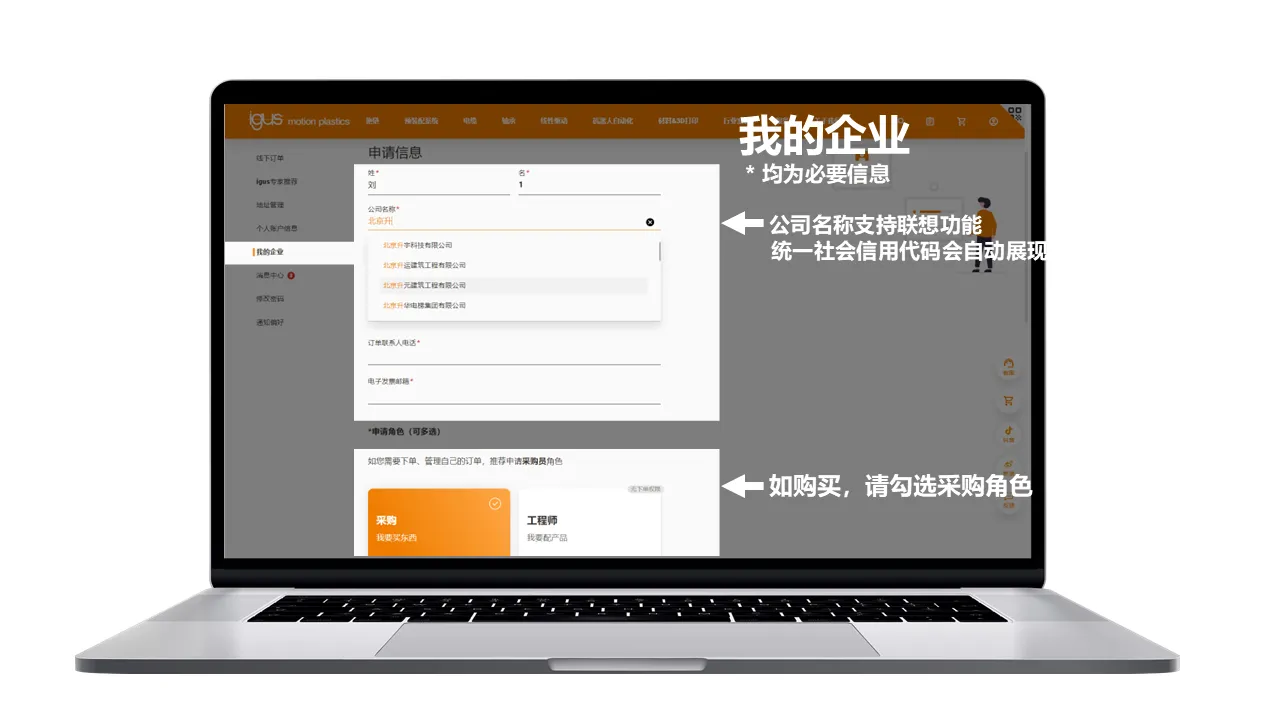
② Fill in personal information as required
Not found
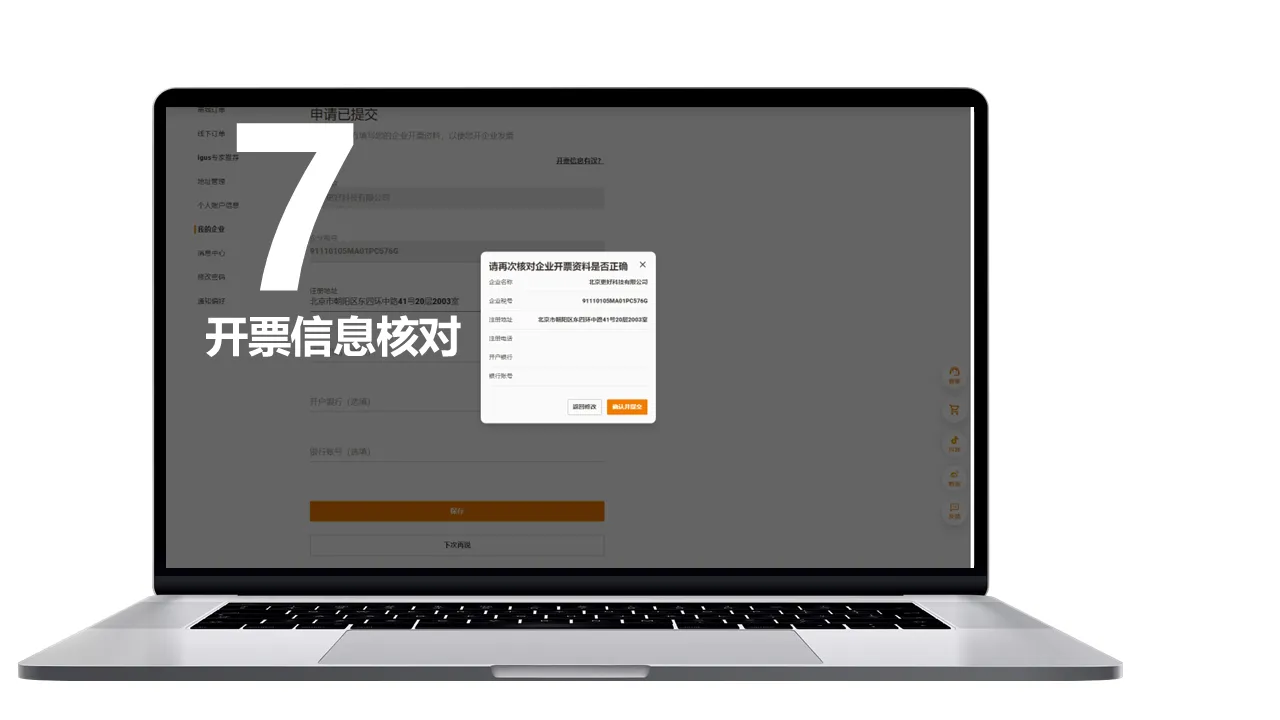
③ Fill in company information as required
Not found
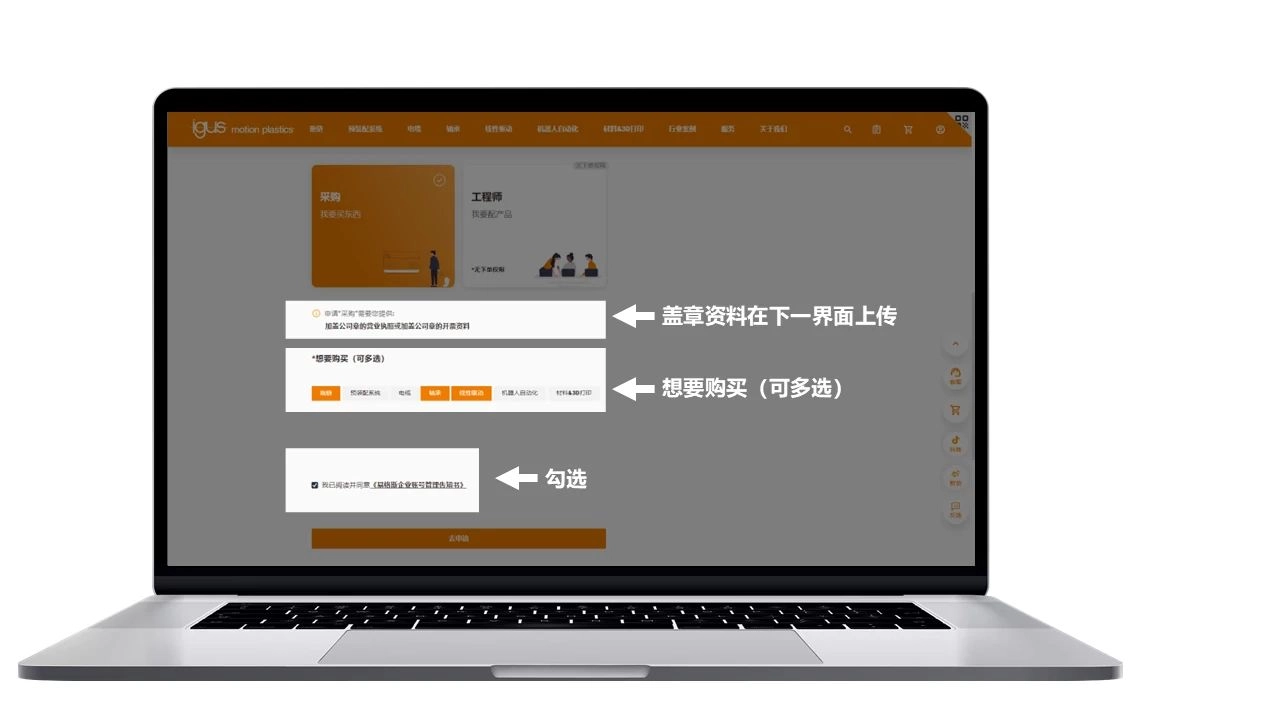
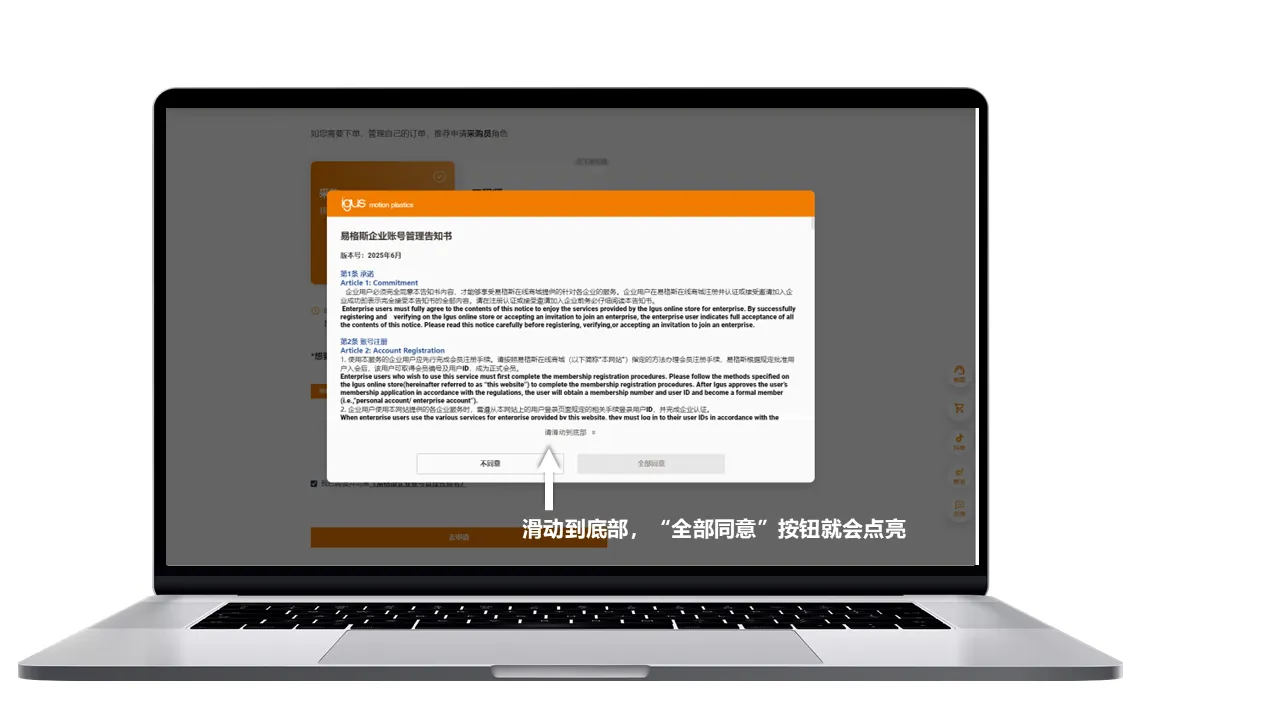
④ Check the roles and products you want to purchase as required

2.1 If your company does not have an administrator currently, this application needs to be certified by igus customer service

Not found
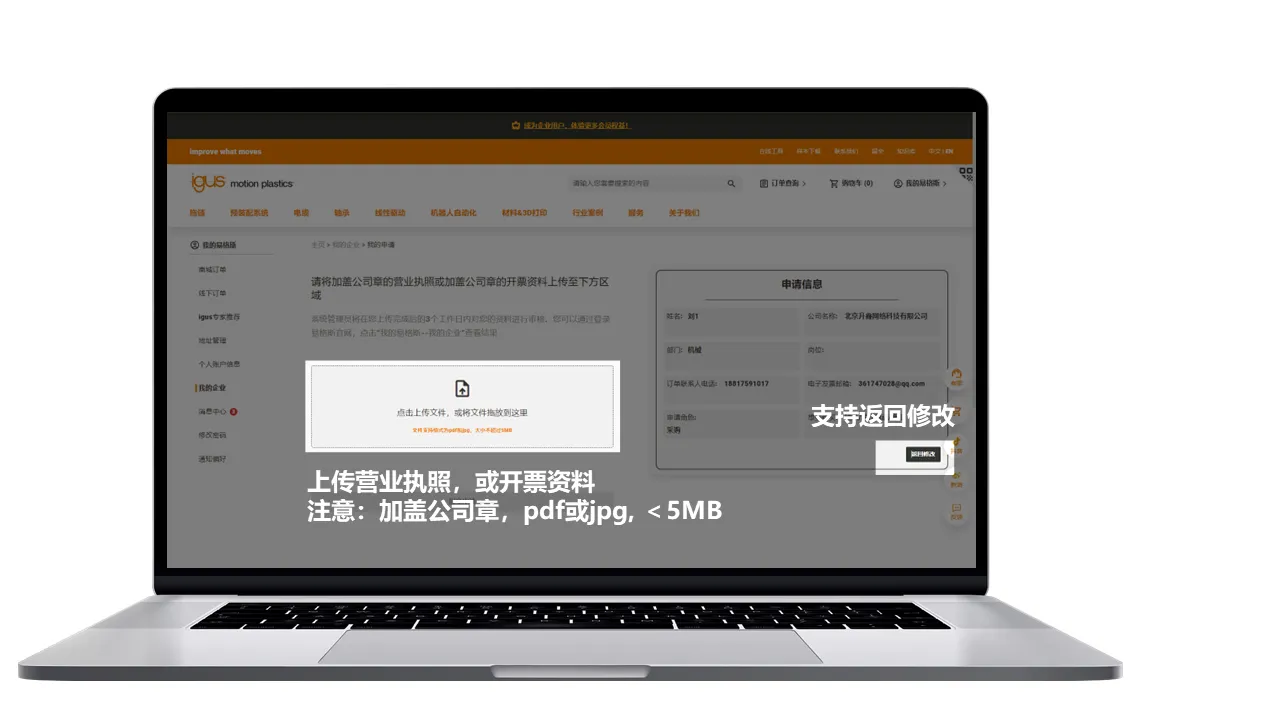
① Select "Customer Service Authentication"
Not found
② Send the material corresponding to the role to the specified email address
Not found
③ After passing the audit, you can view the relevant information of the enterprise
Not found
④ You can opt out of the enterprise or join the enterprise again

2.2 If your company has an administrator already, this application just needs to be reviewed by your administrator

Not found
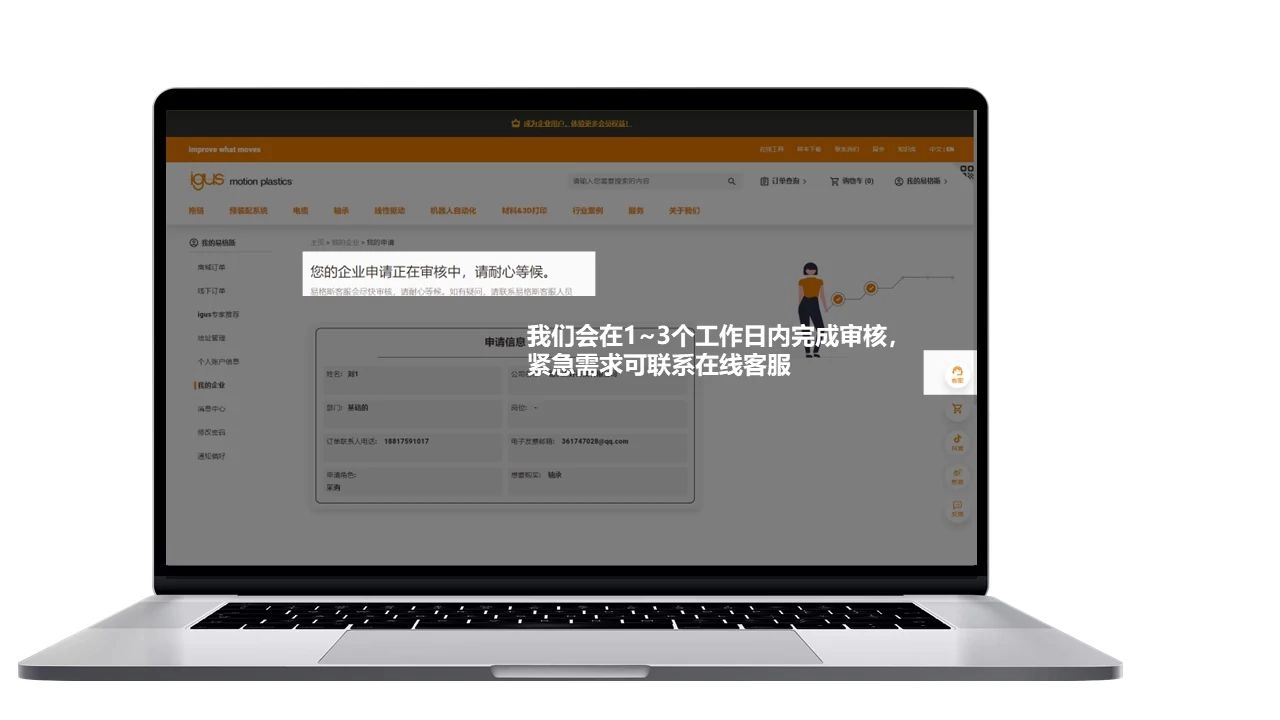
① Jump to the waiting page. If there is any problem, contact the enterprise administrator
Not found
② After joining the enterprise, display the enterprise information and role permissions
Not found
③ If the application is rejected, will show the reason. You can re-apply by clicking the button below
Not found
④ You can opt out of the enterprise or join the enterprise again
Selected (0/10)
Max amount 10
Get Papers (One of the chosen samples has no paper version)
Download