Product collection and quick consult
Process and Function Introduction
How to collect or delete products/product series?
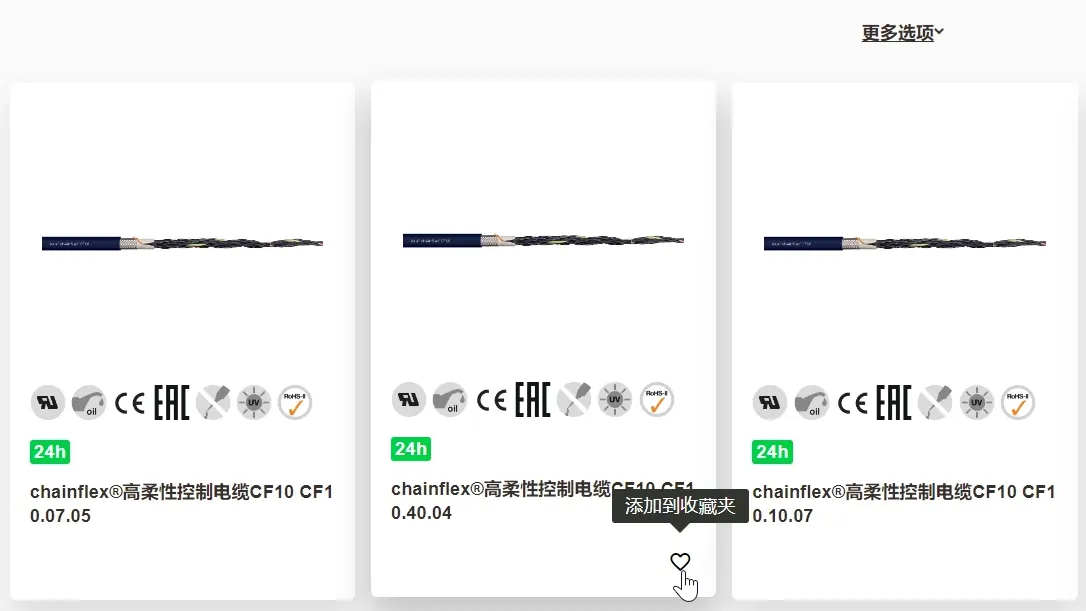
①On the product list of category page, click the lower-right corner of the product card
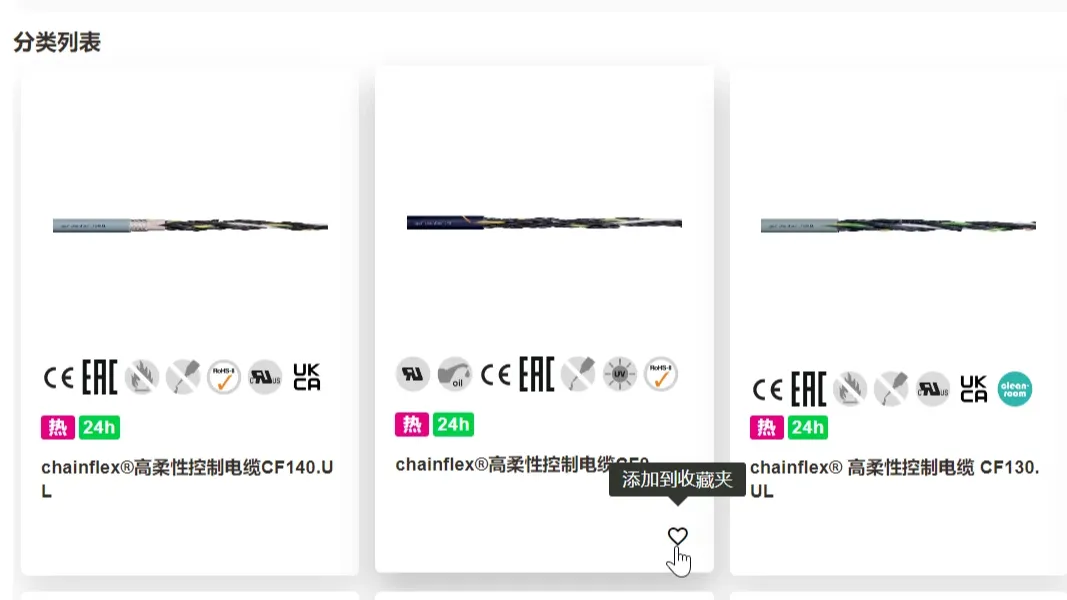
②On the search results page, click the lower-right corner of the product card
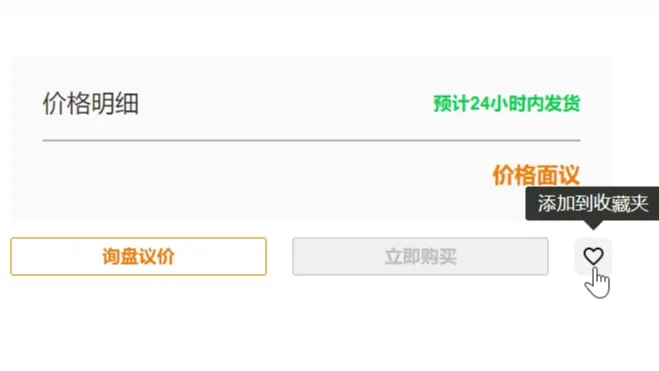
③On the product details page, click the heart logo to the right of the “Buy Now” button
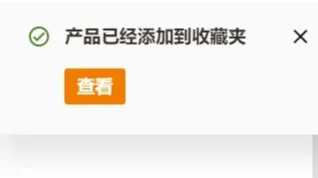
④After successful collection, the heart shaped logo will change to "Red Heart", and show "Added to favorite"
How to enter “favorite”?
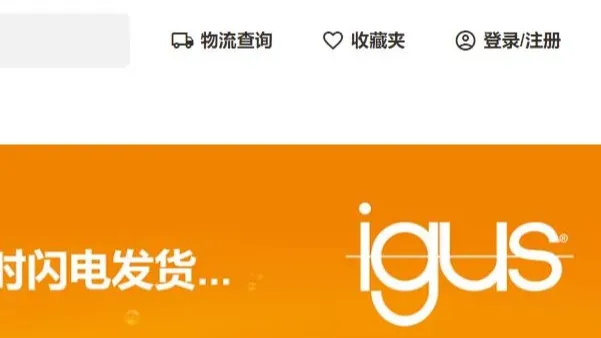
①Once logged in, click “Favorite” in the top right corner to access
②After collected successful, show "added to the favorite" on the top, click "view" to enter the favorite
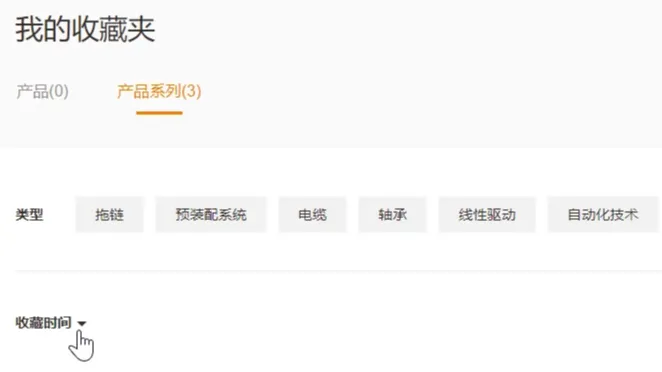
③In the favorite, you can filter by type or time or product and product model
Quick consultation function
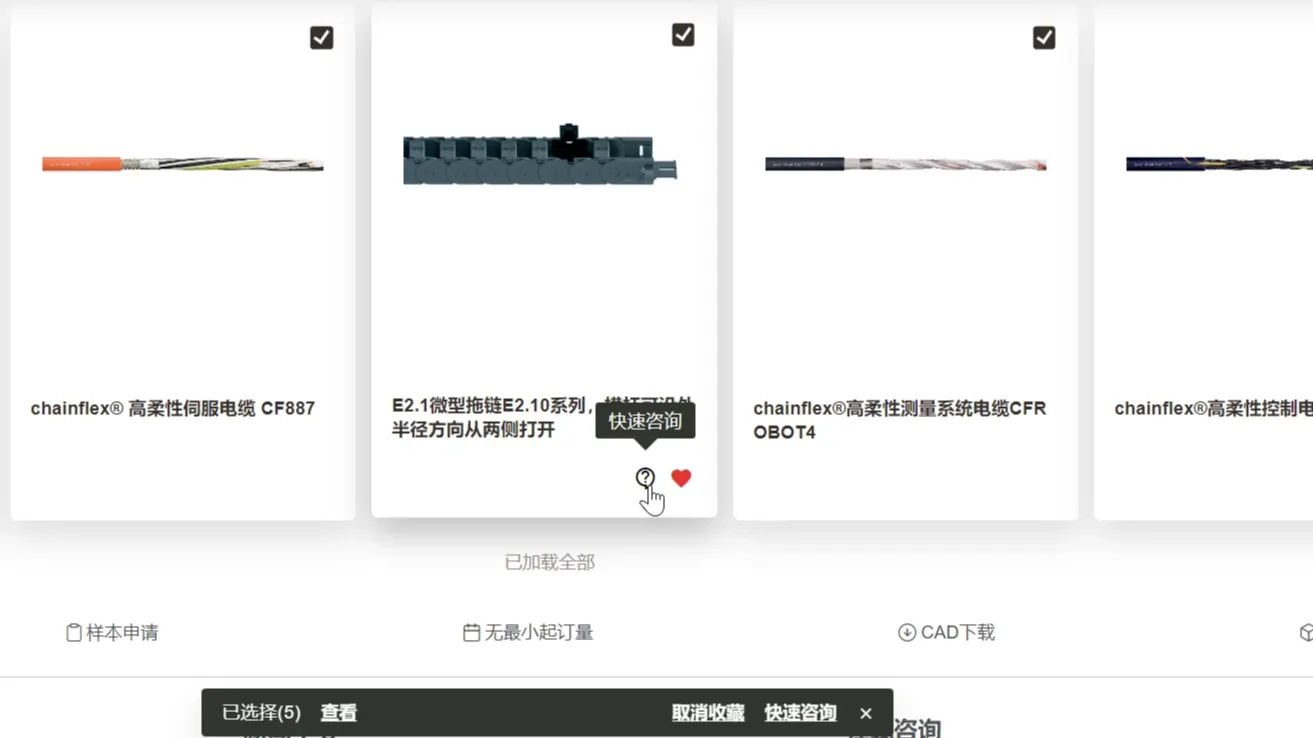
①In the favorite, you can batch"Unfavorite" or "Quick Consult" by checking the top white box
②You can also click on the question mark on the left side of the favorite logo for quick consult
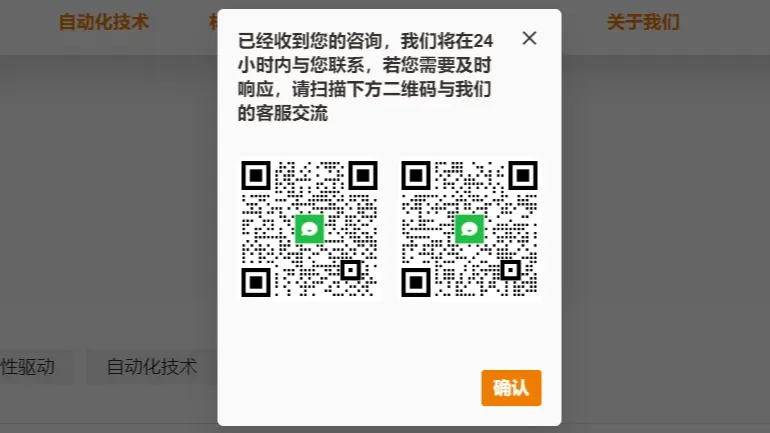
③After "Quick consult", we will contact you asap within 24 hours, or you can scan the QR code to contact online